> ## Documentation Index
> Fetch the complete documentation index at: https://hoopdev-update-to-meta-tags.mintlify.site/llms.txt
> Use this file to discover all available pages before exploring further.
# Just-in-Time Reviews Configuration
## Time-based Sessions (JIT)
When a connection is enabled, the user can interact with the connection based on the requested time.
The command below asks for a 10 minutes access to the connection bash'
```bash
$ hoop connect bash --duration 10m
⣷ waiting session to be approved at https://use.hoop.dev/plugins/reviews/73a28154-58...
```
After approval, the user can connect again without prompting for review for 10 minutes.
## Configuration
Access the Web Client and navigate to the Reviews area inside "Manage".
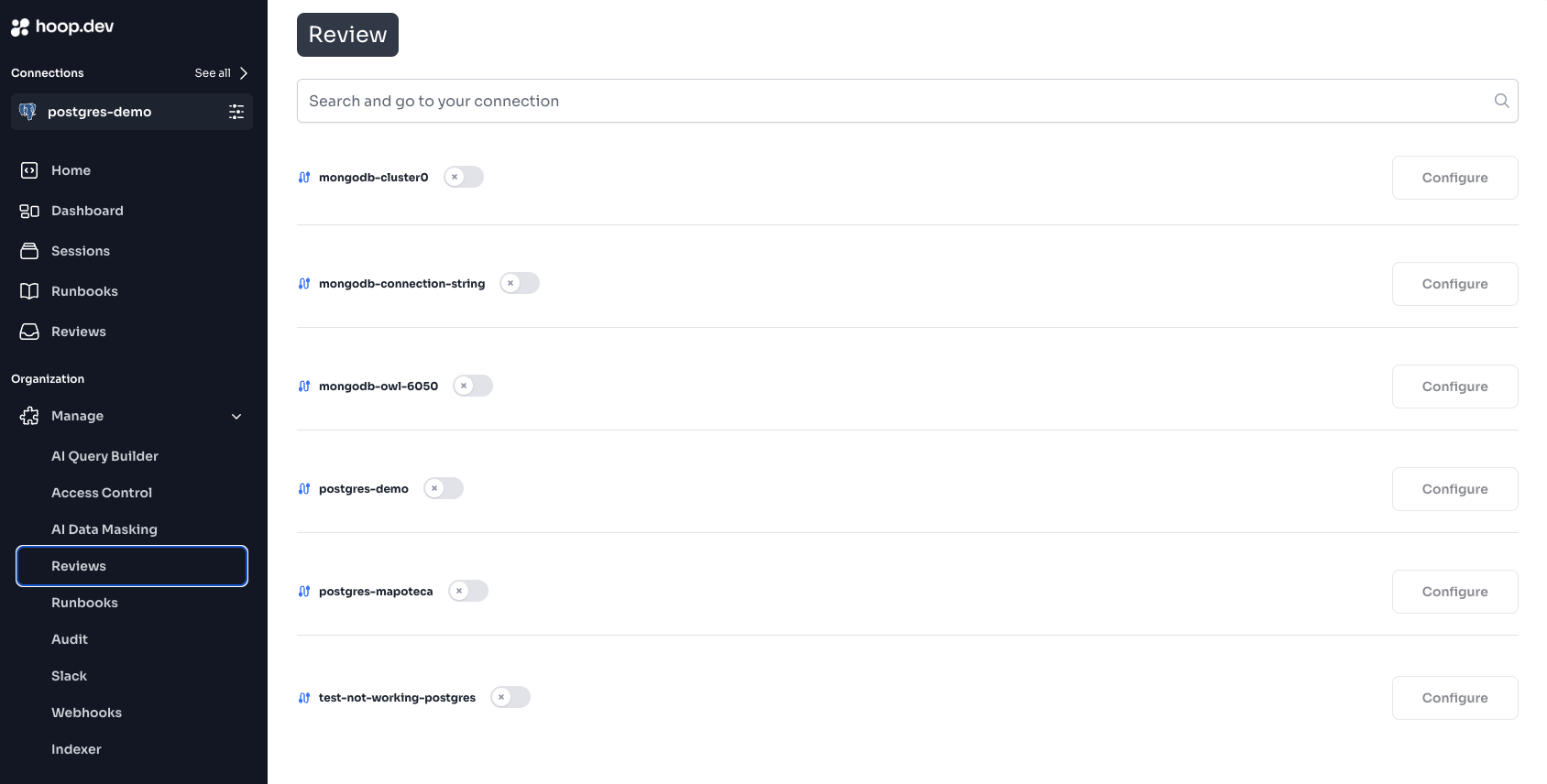 Activate the connection you want to configure Review and then hit "Configure".
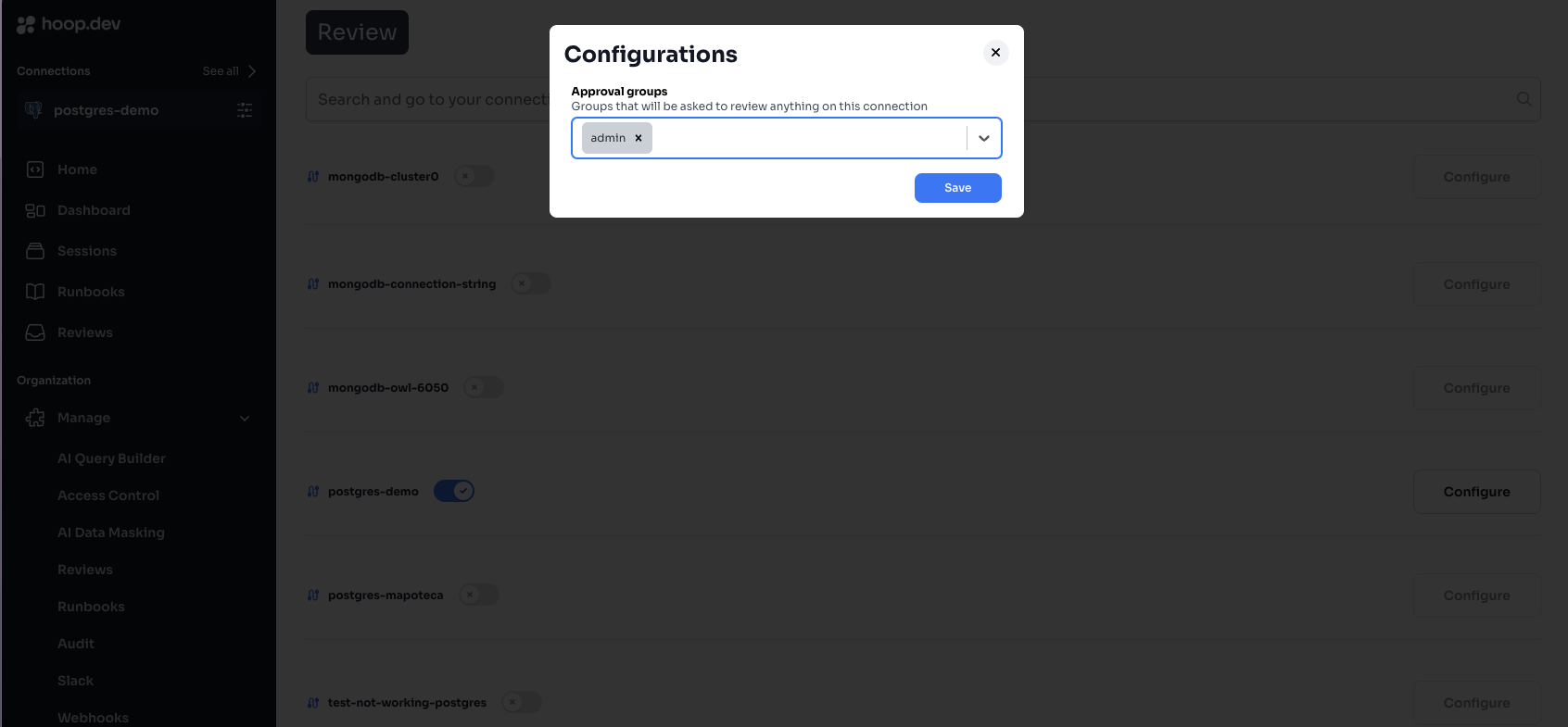 Select the groups you want to review commands in that connection and click save.
Selecting multiple groups will require all groups to approve the command before execution.
Select the groups you want to review commands in that connection and click save.
Selecting multiple groups will require all groups to approve the command before execution.