Prerequisites
To get the most out of this guide, you will need to:- Either create an account in our managed instance or deploy your own hoop.dev instance
- You must be your account administrator to perform the following commands
Features
The table below outlines the features available for this type of connection.- Native - This refers to when a database client connects through a specific protocol, such as an IDE or client libraries through
hoop connect <connection-name>. - One Off - This term refers to accessing this connection from hoop web panel.
Configuration
The Google Service Account Credentials must have the following permissions:
BigQuery UserBigQuery Data Viewer
Connection Setup
The command below provides access tobq query command, enabling you to execute queries directly against BigQuery datasets.
For additional examples and advanced connection options, refer to the BigQuery Command-Line Reference documentation.
The
bq command-line tool is included in agent Docker images version 1.35.16 and later.Connection Usage
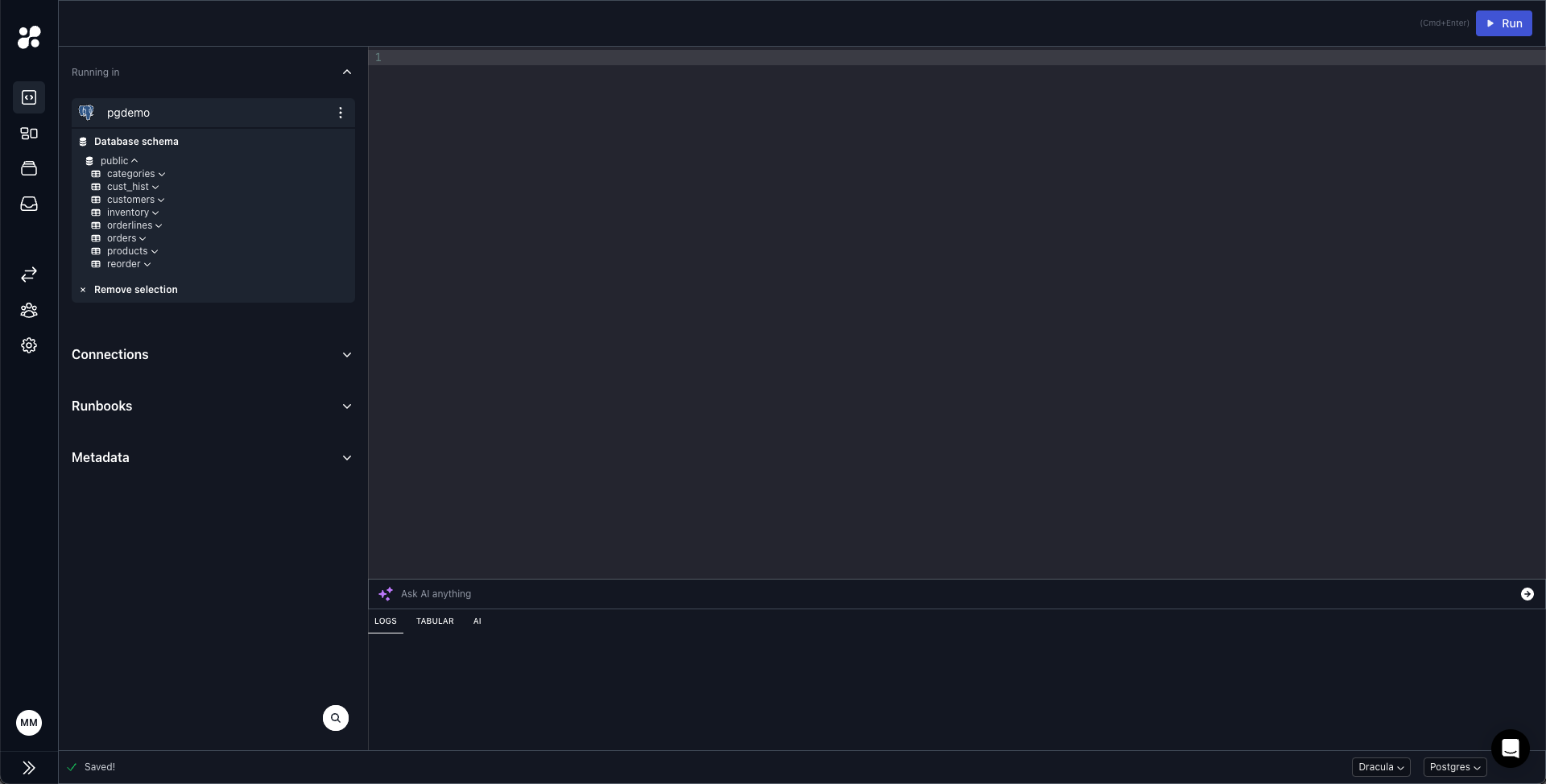
You can access it through hoop web panel and issue queries to your Datasets.