

Prerequisites
To get the most out of this guide, you will need to:- Either create an account in our managed instance or deploy your own hoop.dev instance
- You must be your account administrator to perform the following commands
This integration only accepts SCRAM authentication for native connections.
Features
The table below outlines the features available for this type of connection.- Native - This refers to when a database client connects through a specific protocol, such as an IDE or client libraries through
hoop connect <connection-name>. - One Off - This term refers to accessing this connection from hoop web panel.
Configuration
Connection Setup
Create a new Database connection in hoop’s web panel.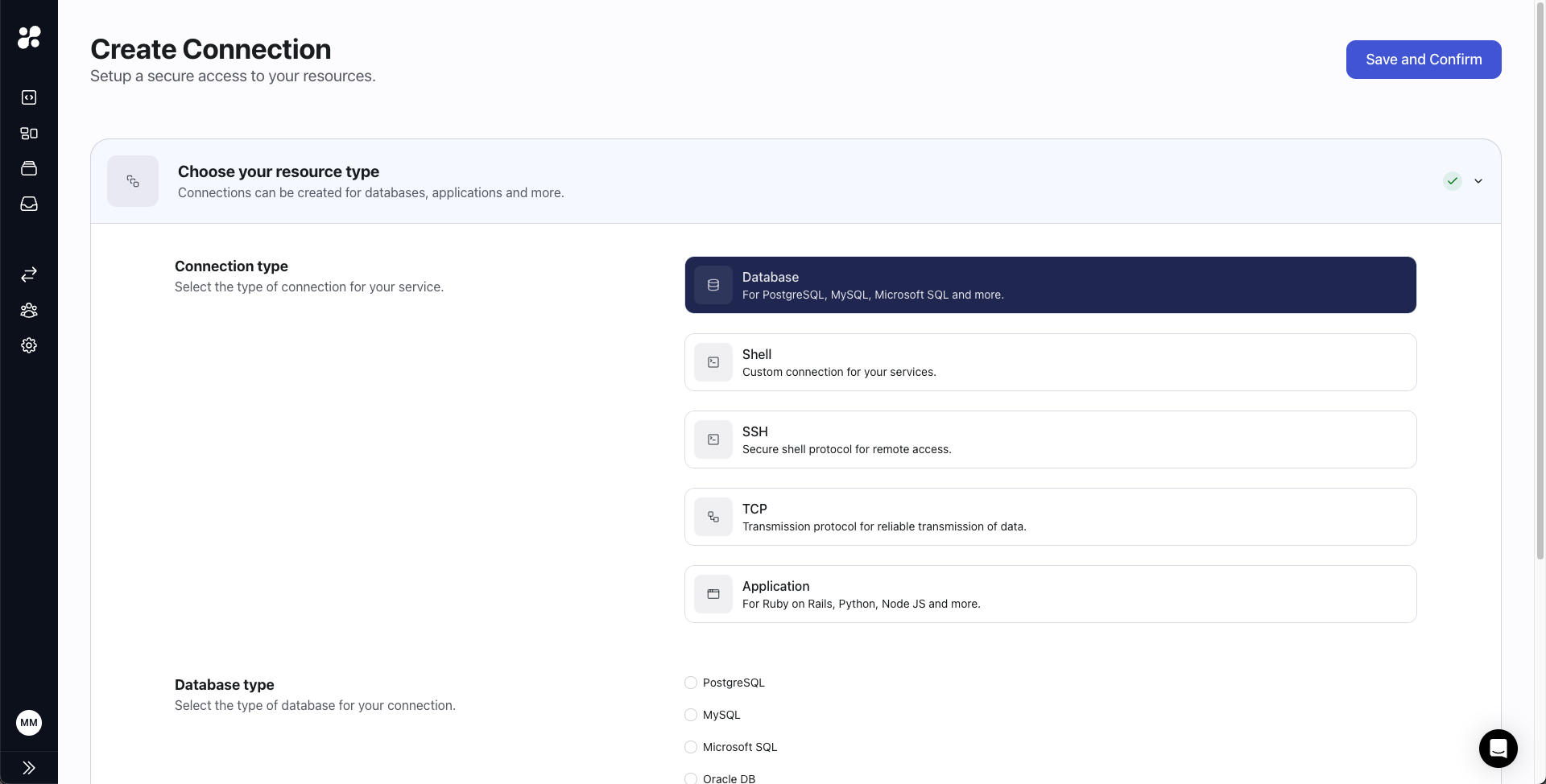
Connection Usage
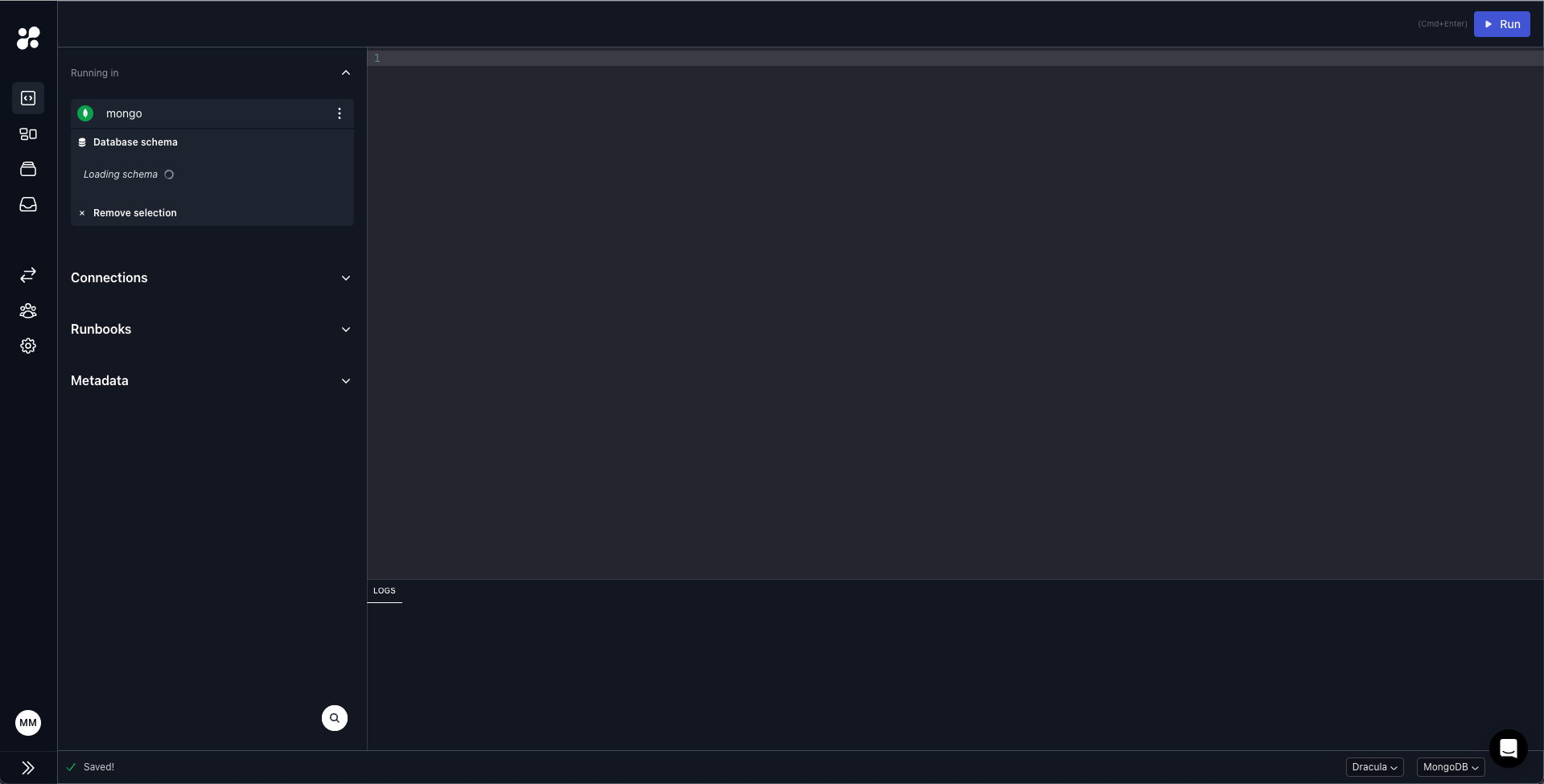
You can access it through hoop CLI or hoop web panel.Hoop CLI
Clients must use
noop as both the username and password, along with the directionConnection=true optionWeb panel
Known Issues
Clients advertising the wrong server
The native implementation has a known issue in cluster setups where clients may incorrectly advertise connections to the wrong server. Hoop selects a server at random and attempts to upgrade the connection to the primary server. However, this transition is not properly propagated to clients, resulting in the advertisement of incorrect server information. Users can manually switch to the primary server after connecting to a secondary server. For example, usingmongoshell:
Syntax Error Issues
The one-off execution uses themongo legacy utility as a client to execute scripts.
Since input is provided through stdin, syntax errors may occur for more complex inputs.
To avoid these issues, use mongosh instead.
Add the comment in the beginning of the script to indicate that it should be executed with mongosh:
This feature is available in agent version
1.35.19 and later.