Prerequisites
To get the most out of this guide, you will need to:- Either create an account in our managed instance or deploy your own hoop.dev instance
- You must be your account administrator to perform the following commands
Features
The table below explains which features are available for this kind of connection.- Native - This refers to when a database client connects through a specific protocol, such as an IDE or client libraries through
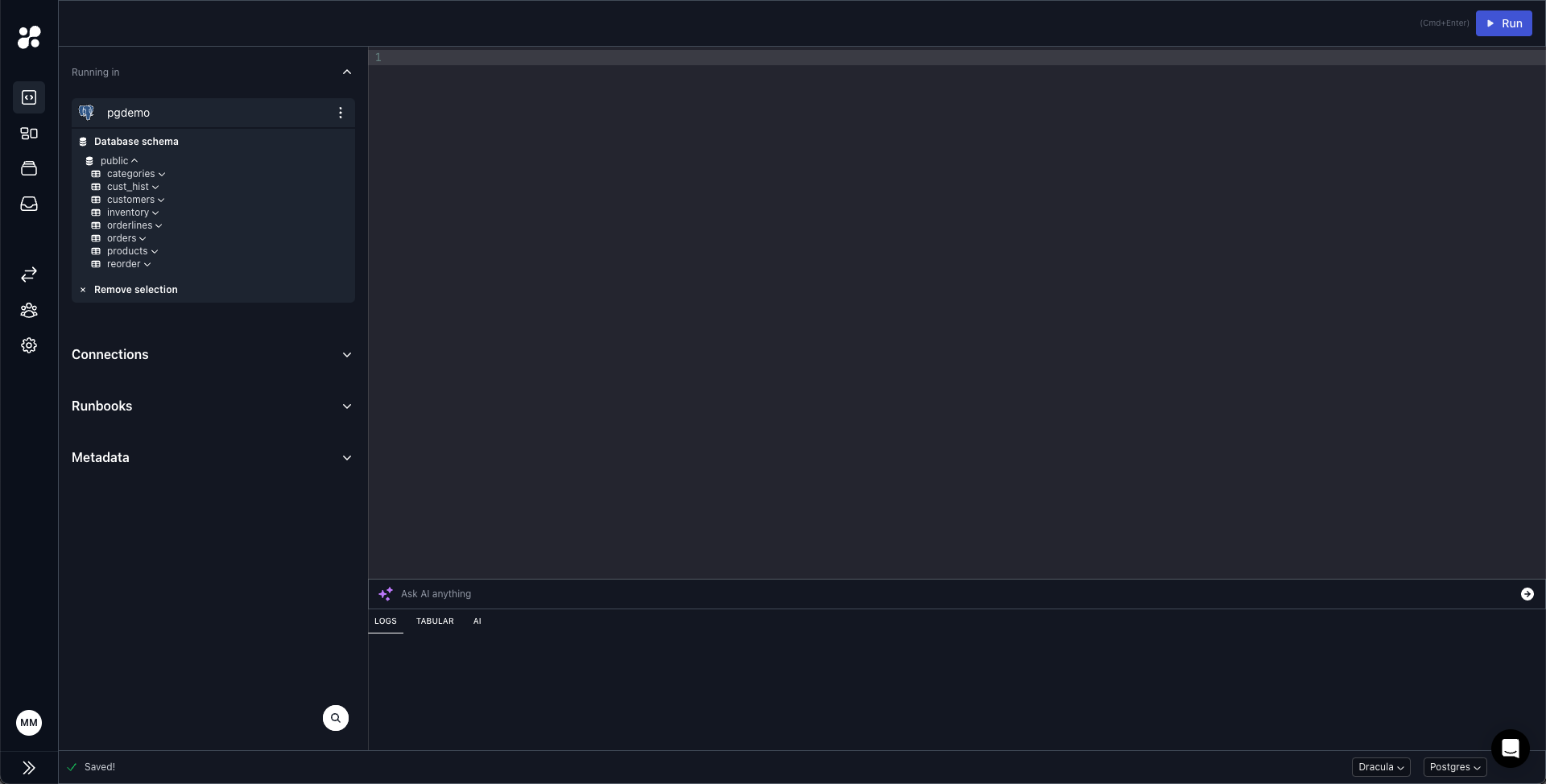
hoop connect <connection-name>. - One Off - This term refers to accessing this connection from hoop web panel.
partial: the connection uses TLS offloading until it reaches the agent. However, once it reaches the agent, the network connection to the remote server is established without encryption. It is crucial to ensure that the network hosting the agent is secure and reliable.
Configuration
Client Charset Configuration
By default, your client will use the character set provided by the MySQL server. However, you may need to specify a different charset for your specific requirements when interacting with the database.The following configuration options are only applicable for One-Off executions.
1. Session-Level Charset Configuration
You can change the charset for your current session directly in the Webapp by adding aSET NAMES statement before your query:
2. Client Default Charset Configuration
To set a default charset for the connection, use the--default-character-set option when creating the connection.
This requires updating the default command attribute:
3. Using the Pre-SQL Script File
ThePRE_SQL_SCRIPT_FILE environment variable allows you to automatically execute SQL commands at the beginning of each session:
This method is only available when using an image with the MySQL Wrapper Script, such as the
hoophq/hoopdev imageCommon Charset Options
utf8mb4- Full UTF-8 support (recommended for most applications)latin1- Default charset in older MySQL versionsascii- Basic ASCII character set
Connection Setup
Create a new Database connection in hoop’s web panel.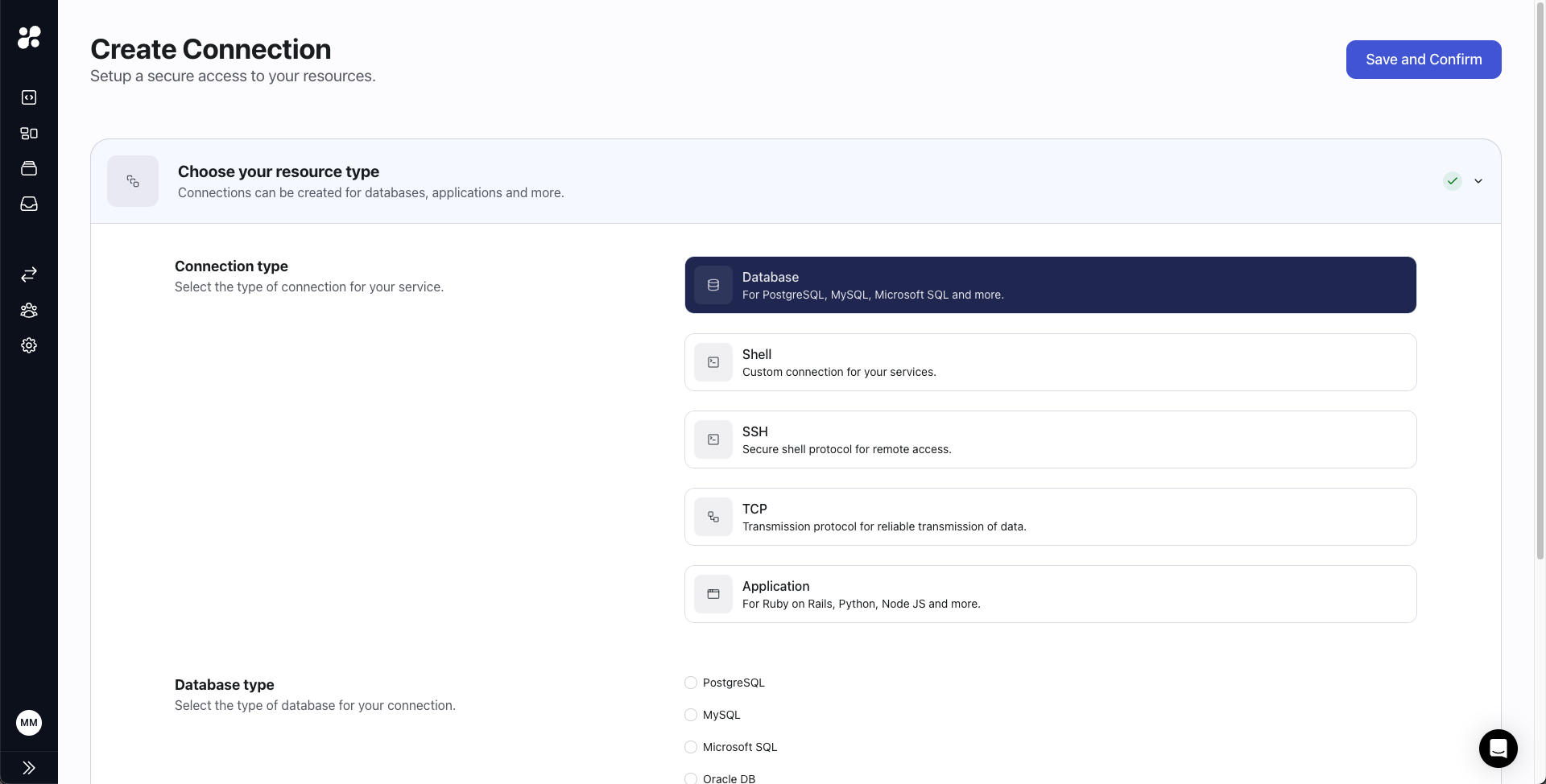
Connection Usage
You can access it through hoop CLI or hoop web panel.CLI
Web panel